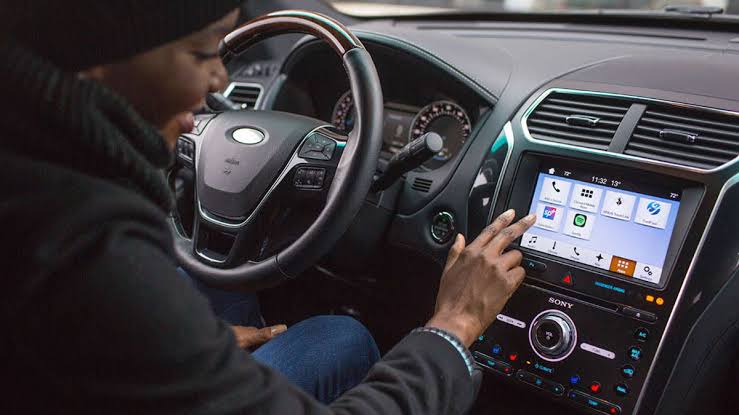
A frozen dashboard or infotainment display can look serious because so many vehicle controls now depend on screens. Yet a temporary software fault can sometimes be cleared with the manufacturer’s approved restart procedure. Before arranging a dealer visit, document the symptoms, restart the system safely, and check whether the problem returns.
Identify What Is Actually Frozen
First determine whether only the center touchscreen is affected or whether the digital instrument cluster is also unresponsive. Those displays may run on separate modules, so the distinction can help narrow the problem.
If the vehicle remains safe to operate, stop in a suitable location before experimenting with screen controls. General vehicle repair reading may explain related maintenance topics, but safety-critical warnings should never be ignored simply because a display appears frozen.
Notice whether physical buttons, steering-wheel controls, audio, climate functions, or a backup camera continue working. That information can be useful if professional diagnosis becomes necessary.
Use the Approved Restart Procedure
Many infotainment systems have a soft-reset method involving a specific combination of buttons or holding the power control for several seconds. The procedure differs widely between manufacturers.
Check the owner’s manual instead of randomly holding buttons. Modern automotive technology systems combine software and hardware closely, so an incorrect assumption about how the screen works can lead to unnecessary troubleshooting.
Restart Only While Safely Parked
Don’t attempt a complicated reset while driving. Pull over safely and place the vehicle in park before working through menus or button combinations.
After the restart, check whether radio, navigation, phone pairing, climate controls, and camera functions return normally.
Check Power and Software Symptoms
Repeated freezing may point to more than a temporary software glitch. Low system voltage, loose connections, failing storage hardware, overheating electronics, corrupted software, or module communication faults can create recurring problems.
Dashboard electronics communicate through the vehicle’s electrical network. Basic car electrical troubleshooting concepts can provide useful context, although diagnosing network or module faults typically requires model-specific information and proper equipment.
| Screen Problem | Possible Area | Initial Step |
|---|---|---|
| Frozen display | Software glitch | Perform soft restart |
| Black screen | Power or module | Check other functions |
| Repeated reboot | Software or voltage | Note frequency |
| Slow response | System load | Restart and retest |
What a Restart Cannot Fix
A reboot can clear a temporary software problem, but it doesn’t repair damaged hardware. If the display freezes every day, goes completely black, becomes excessively hot, or loses safety-related functions, repeated restarting is only masking the symptom.
Avoid disconnecting the battery as a universal reset unless the vehicle procedure specifically allows it. Battery disconnection can erase memory settings and may require certain systems to be recalibrated or initialized afterward.
The useful question isn’t whether a restart works once. It’s whether the system remains stable afterward.
Frequently Asked Questions
Will restarting the infotainment system erase my settings?
A normal soft restart usually aims to reboot the system without removing stored information, but procedures vary. A factory reset is different and may erase paired phones, preferences, and other saved data.
Why does my dashboard screen keep freezing?
Recurring freezing may involve software bugs, low voltage, module faults, overheating, storage problems, or communication errors. Recording when the problem occurs can help with later diagnosis.
Should I disconnect the battery to reset the screen?
Not as the first step. Some vehicles require special procedures after battery disconnection. Use the manufacturer’s normal screen-restart method before considering broader electrical resets.
Record Recurring Failures
A single frozen display that works normally after an approved restart may have experienced a temporary software error. If the problem returns, record the date, operating conditions, warning messages, and affected functions. That information gives a technician something concrete to diagnose instead of relying on a vague description of an intermittent screen problem.